Configuring the BIOS
Purpose
Configure advanced BIOS settings to improve server performance.
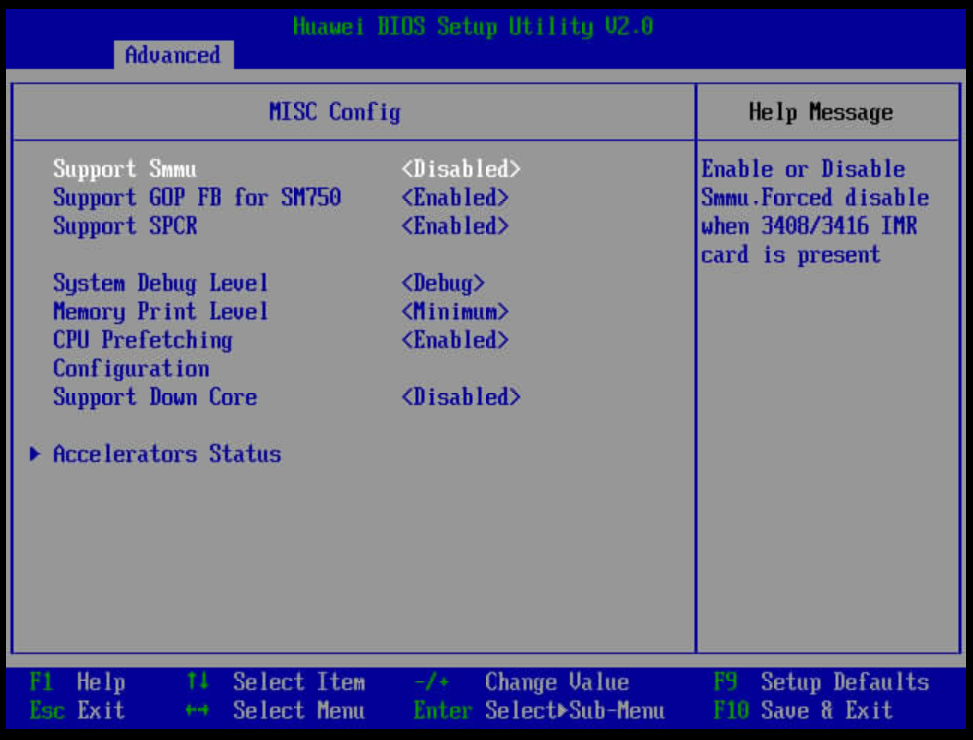
- The system memory management unit (SMMU) on the server translates device addresses and isolates devices, playing an important part in virtualization. However, SMMU may compromise performance in a physical machine test scenario, especially in a small-packet network scenario. Therefore, you are advised to disable the SMMU function for higher server performance. In VM scenarios, you need to enable the SMMU to use the PCI passthrough function.
- In this test, enable the prefetching function.
Procedure
- Disable the SMMU.
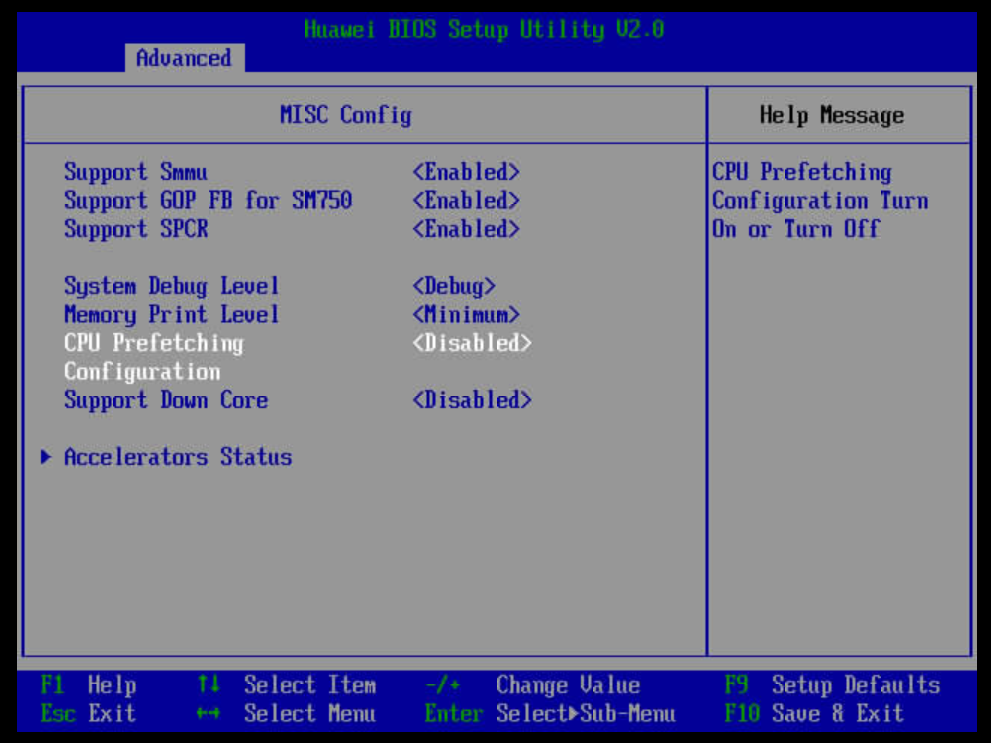
- Enable the prefetching function.
- Enter the BIOS.
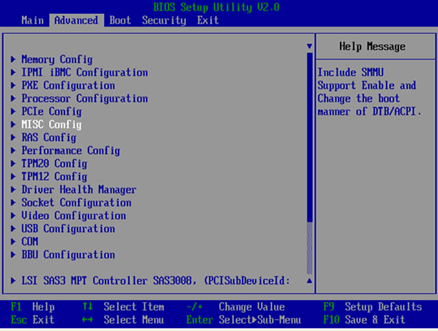
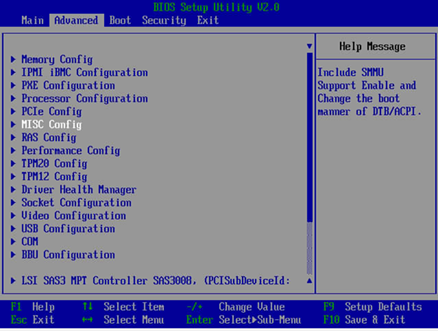
- Choose .
Figure 3 BIOS setup
- Set CPU Prefetching Configuration to Enabled, and press F10 to save the configuration and exit (the configuration is permanently valid).
Figure 4 Enabling CPU Prefetching Configuration
Parent topic: Hardware Tuning