Importing a CCA License
The CCA feature is controlled by a license. Before using the feature, ensure the license file has been imported. This section describes how to import the TEE license file.
The TEE license can be imported on the iBMC WebUI. To import the license file for a single server, see Importing a License File Using the iBMC.
Importing a License File Using the iBMC

To apply for a TEE license file, contact the Huawei service owner.
- Log in to the iBMC and choose > .
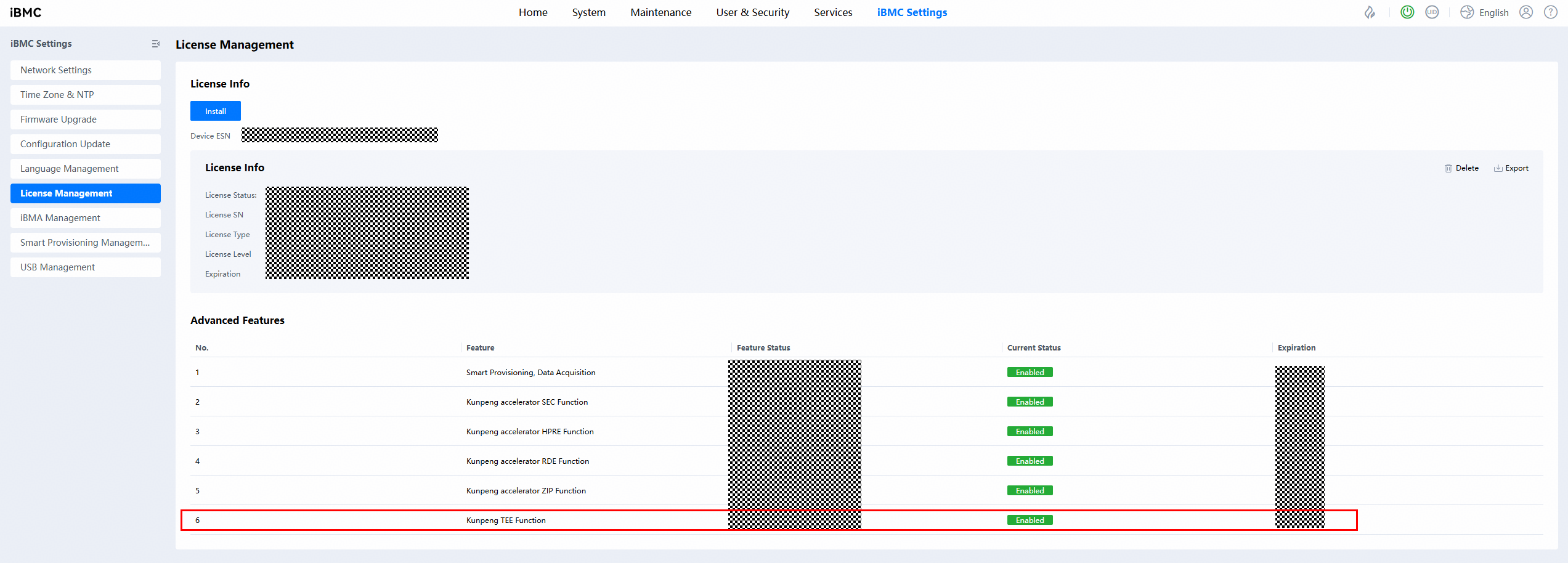
If no license file has been imported, Kunpeng TEE Function is in the Disabled state.
- Click Install and select the obtained TEE license file.

After the TEE license file is imported, Kunpeng TEE Function enters the Enabled state and the expiration date is displayed.
Parent topic: Software Deployment