Upgrading the Firmware
To enable the CCA Kit, you need to upgrade the CCA Kit server firmware.
The firmware can be manually upgraded using the iBMC. To upgrade the firmware on a single server, see Using iBMC.
Using iBMC
Upgrading the BMC Firmware
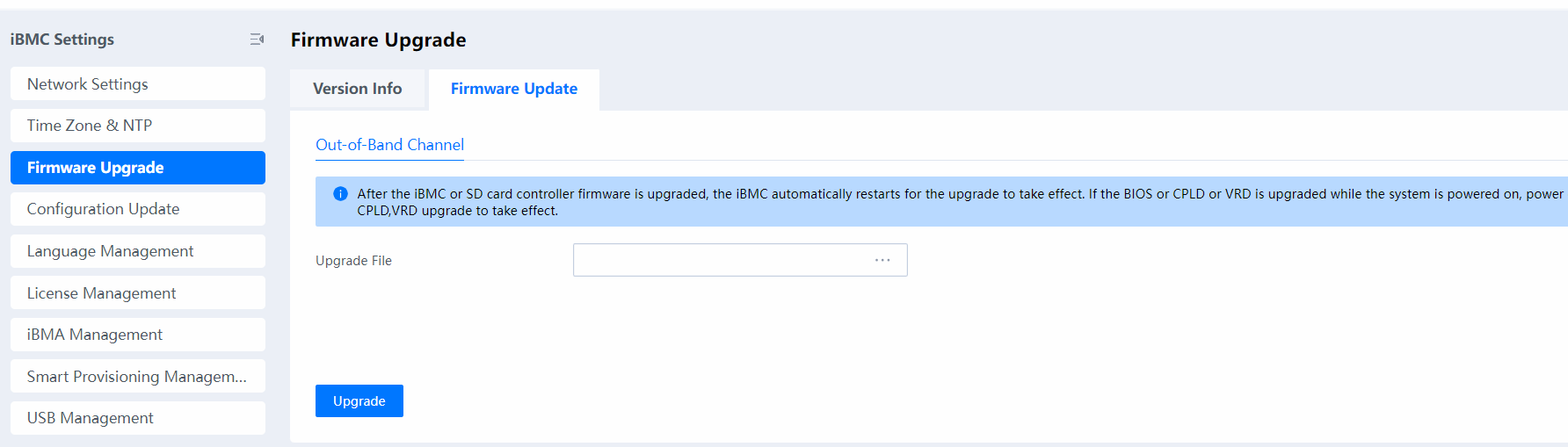
Log in to the iBMC, upload the BMC HPM file obtained from Table 1 to Upgrade File, and start the upgrade.
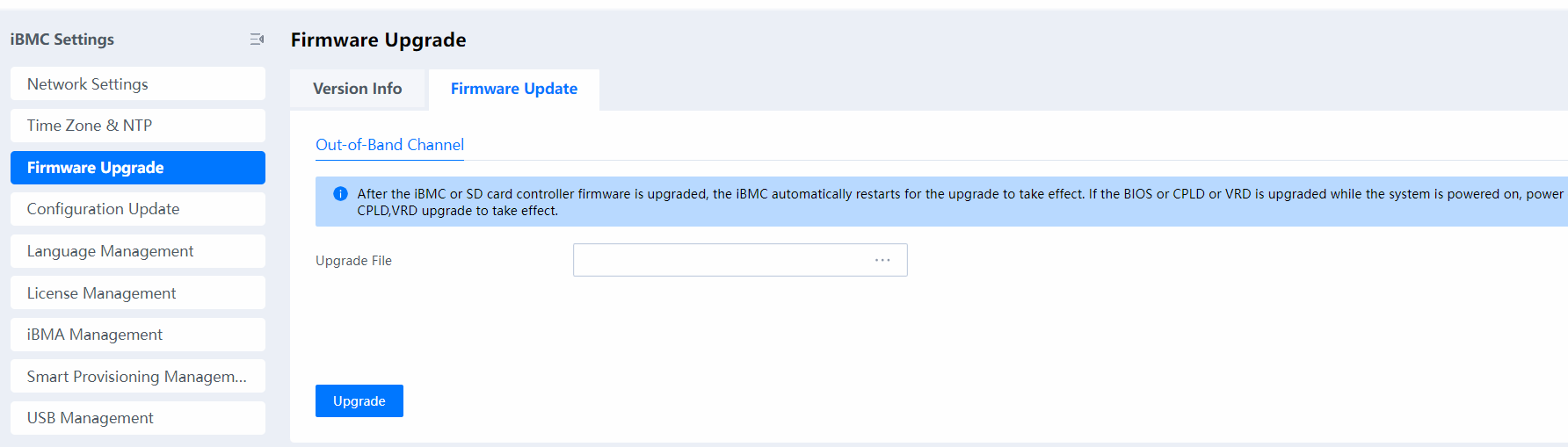

During a BMC upgrade, the BMC network is disconnected for several minutes. After the upgrade is complete, the BMC network goes online again.
Upgrading the BIOS Firmware
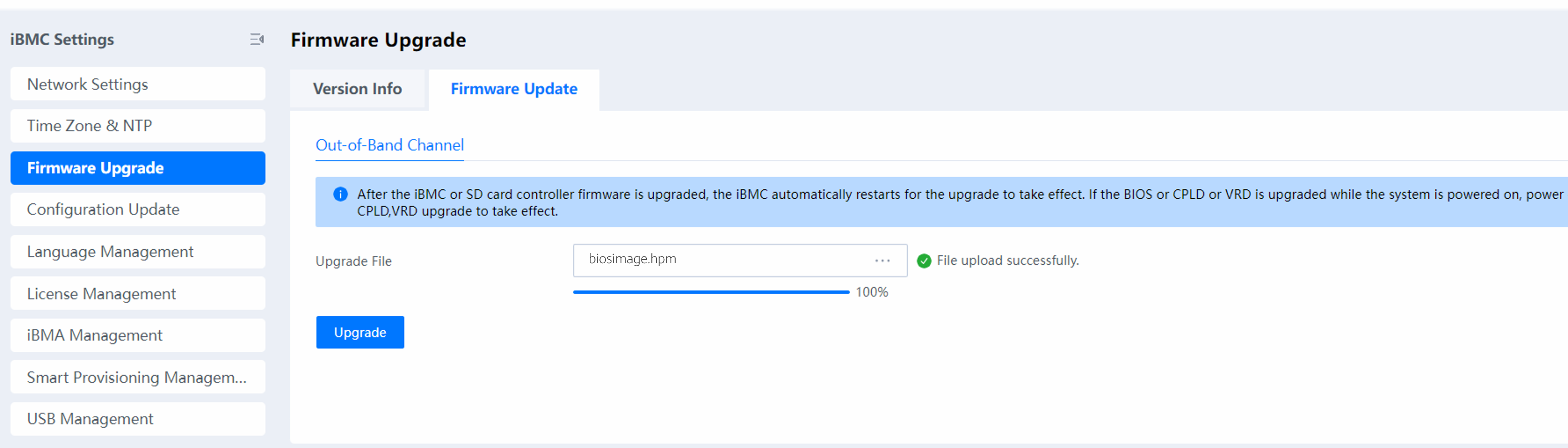
Log in to the iBMC, power off the server, upload the BIOS HPM file obtained from Table 1 to Upgrade File, and start the upgrade. After the upgrade is complete, power on the server.
Upgrading the RMM Firmware
Log in to the iBMC, power off the server, upload rmm_image.hpm obtained from Table 2 to Upgrade File, and start the upgrade. After the upgrade is complete, power on the server.