Obtaining the Remote Attestation Report
This section describes how to obtain the remote attestation report in a cVM.
- Modify the configuration file of the cVM to include the configuration options required for remote attestation:
<launchSecurity type='cca' hisi-cca-enable='yes'>
    <measurement-algo>sha256</measurement-algo>
    <personalization-value>lmrZvioYuJWTFN/ue5wAKSS70X4MPS+r3lBibrh1pixZyPAcduru93YOyXsFcnqH4+qM4kkjxwaPVYrm/Yj2fA==</personalization-value>
</launchSecurity>
- measurement-algo specifies the hash algorithm used for remote attestation measurement. Currently, sha256 and sha512 are supported.
- personalization-value specifies the personalization value of a confidential VM. The value must be a Base64-encoded string derived from a 64-byte binary stream. This configuration is optional; if omitted, the Realm Personalization Value (RPV) defaults to all zeros.
- After the cVM boots up, load the CCA drivers inside the VM.
modprobe tsm
modprobe arm-cca-guest
- Mount configfs.
mount -t configfs none /sys/kernel/config
- Obtain the remote attestation report.
- Create a directory for the remote attestation instance.
report=/sys/kernel/config/tsm/report/report0
mkdir $report
- Enter a randomly generated 64-byte remote attestation challenge value.
dd if=/dev/urandom bs=64 count=1 > $report/inblob
- Read the outblob file to obtain the remote attestation report.
hexdump -C $report/outblob
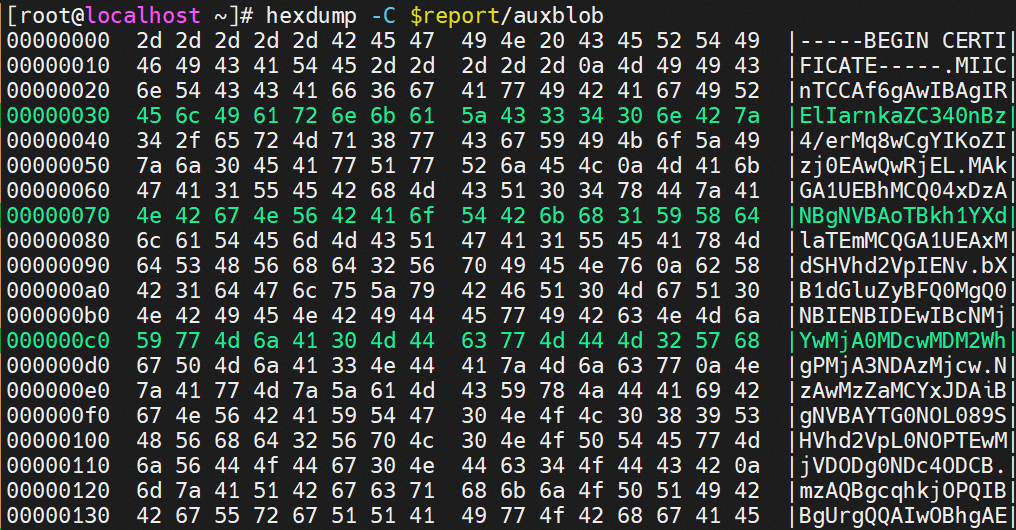
- Read the auxblob file to obtain the device certificate.
hexdump -C $report/auxblob
Figure 1 Obtaining the remote attestation report
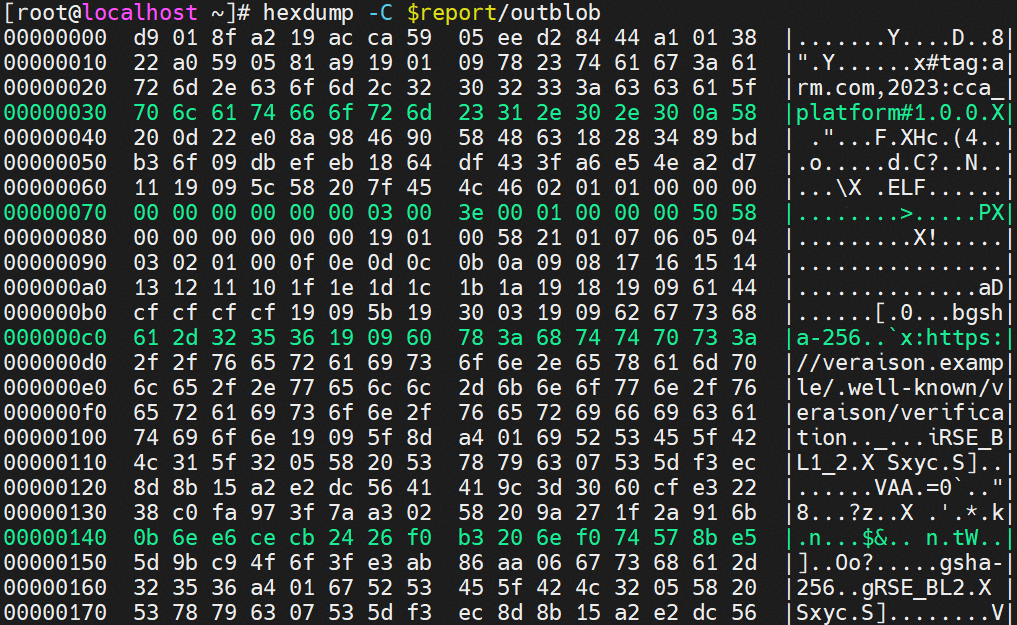 Figure 2 Obtaining the device certificate
- Create a directory for the remote attestation instance.
Parent topic: Enabling Remote Attestation