Obtaining the cVM Reference Measurements
This section describes how to use the reference tool to generate the Realm Initial Measurement (RIM) and the image reference measurement for a cVM.
Follow the steps below to obtain the cVM's RIM reference:
- Obtain the source code from the openEuler community CCA repository.
git clone https://gitcode.com/openeuler/CCA.git
- Compile the initial measurement referenc tool.
cd CCA/sdk/attestation/rim_ref/
cmake -S . -B build
cmake --build build
Upon successful compilation, the gen_rim_ref tool will be generated in the build directory.

- Use gen_rim_ref to generate the cVM's RIM reference.
cd build
./gen_rim_ref -f <firmware_path> -d <dtb_path> -v <vcpu_num> -r <ram_size> [--ccal]
Table 1 Parameters Parameter
Description
dtb_path
Device tree binary (DTB) file of the cVM.
vcpu_num
Number of vCPUs configured for the cVM.
firmware_path
Path to the UEFI firmware configured for the cVM.
ram_size
Memory size configured for the cVM, which must be 4 KB aligned.
ccal
Specifies whether to enable hisi-cca for the cVM. If this parameter is specified, hisi-cca is enabled; otherwise, it remains disabled.
Once the tool completes the calculation, the RIM reference will be printed to the terminal:


Follow the steps below to obtain the image reference measurement for a cVM:
- Update GRUB within the cVM to enable the TPM measurement feature.
After the cVM starts, run the following commands within the cVM:
grub2-mkimage -d /usr/lib/grub/arm64-efi -O arm64-efi --output=/boot/efi/EFI/openEuler/grubaa64.efi --prefix="(,msdos1)/efi/EFI/openEuler" fat part_gpt part_msdos linux tpm
cp -f /boot/efi/EFI/openEuler/grubaa64.efi /boot/EFI/BOOT/BOOTAA64.EFI
- Use the create-oe-image.sh script to generate the image reference measurement for the target VM.
With the target VM powered off, perform the reference measurement on its image file:
cd CCA/sdk/attestation/cvm-image-rewriter/
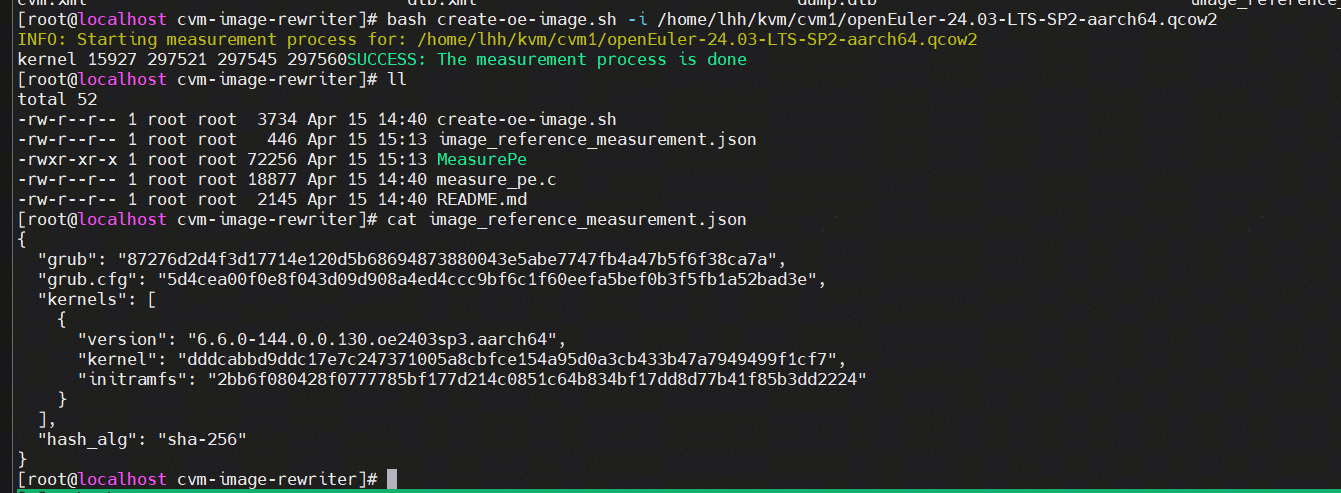
bash create-oe-image.sh -i <image_path>
The image_path parameter indicates the system image path configured for the cVM.
After the script completes the calculation, the image_reference_measurement.json file will be generated to store the image reference measurement.
Follow the steps below to obtain the DTB file of the cVM:
- Modify the cVM configuration file.
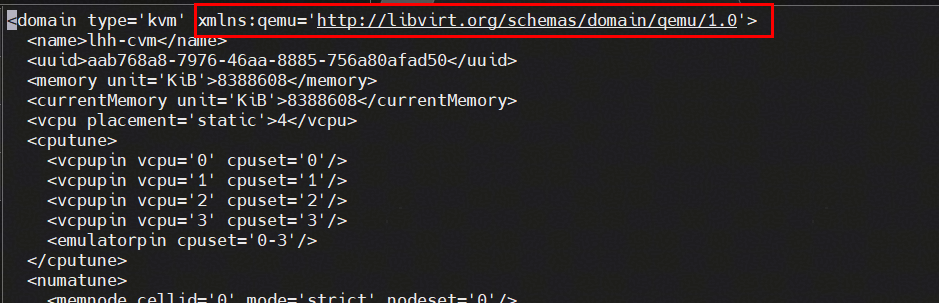
Add QEMU command-line passthrough support to the domain tag:
<domain type='kvm' xmlns:qemu='http://libvirt.org/schemas/domain/qemu/1.0'>
Add the following QEMU passthrough arguments, where dumpdtb specifies the output path for the generated DTB file:
<qemu:commandline>
    <qemu:arg value='-machine'/>
    <qemu:arg value='dumpdtb=/path/to/dump.dtb'/>
</qemu:commandline>
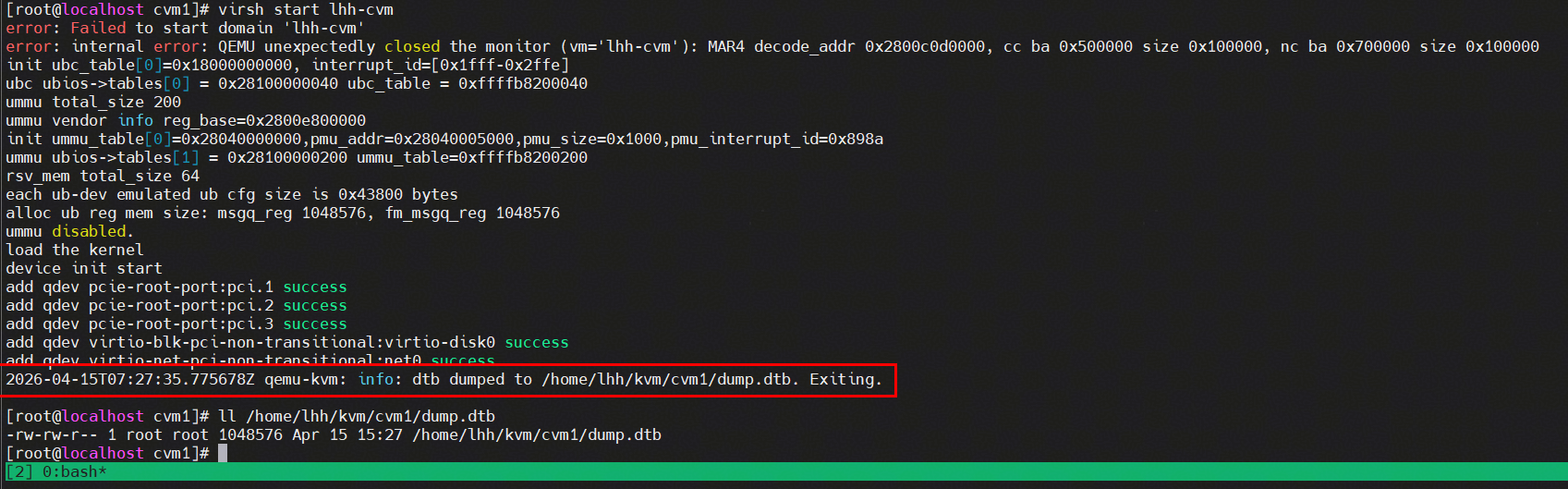
- Start the cVM to trigger the generation of the DTB file.
virsh start <cvm>
- Restore the cVM configuration by removing the QEMU passthrough arguments related to dumpdtb.
Remove the following configurations from the VM XML file:
<qemu:commandline>
    <qemu:arg value='-machine'/>
    <qemu:arg value='dumpdtb=/path/to/dump.dtb'/>
</qemu:commandline>