Enabling Memory Encryption
Memory Encryption is a hardware-based memory encryption technology, which helps defend data against certain cold boot and physical attacks. It transparently encrypts all physical memory and requires no software intervention or support. This section describes how to use the memory encryption function.

- Memory pages are automatically decrypted and encrypted by the hardware during any memory read or write operations.
- Memory encryption can only be configured when the CCA feature is enabled. This feature is disabled by default. Follow the steps below to enable it.
- Power on the server and go to the BIOS menus.
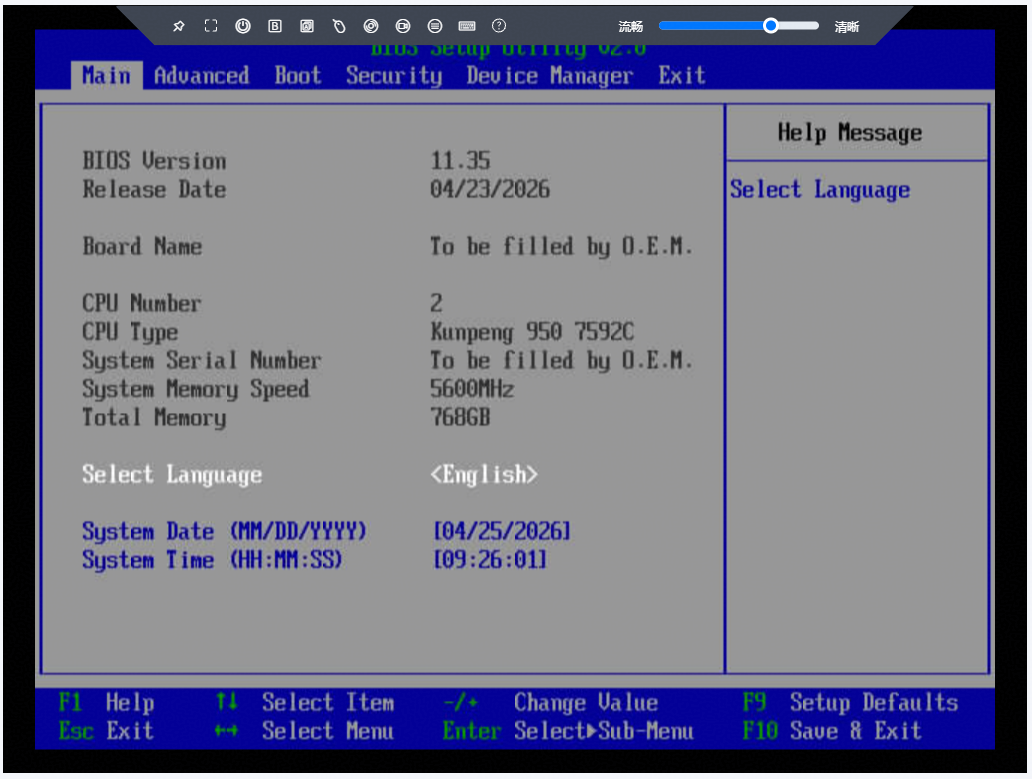
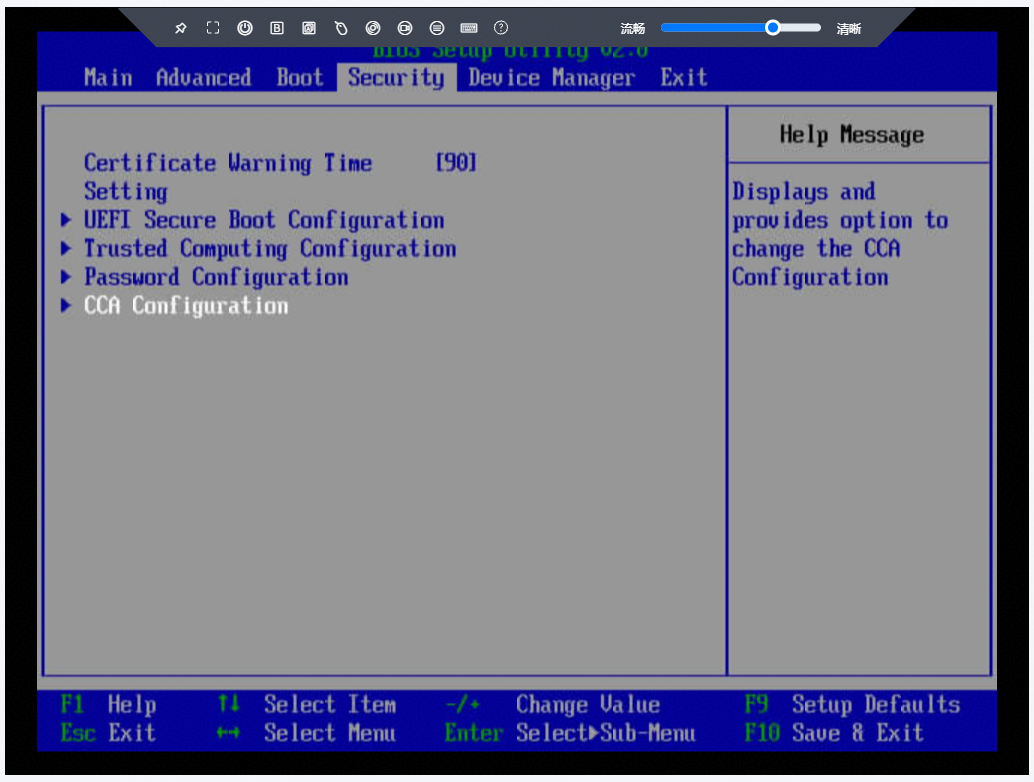
- Select Security > CCA Configuration.
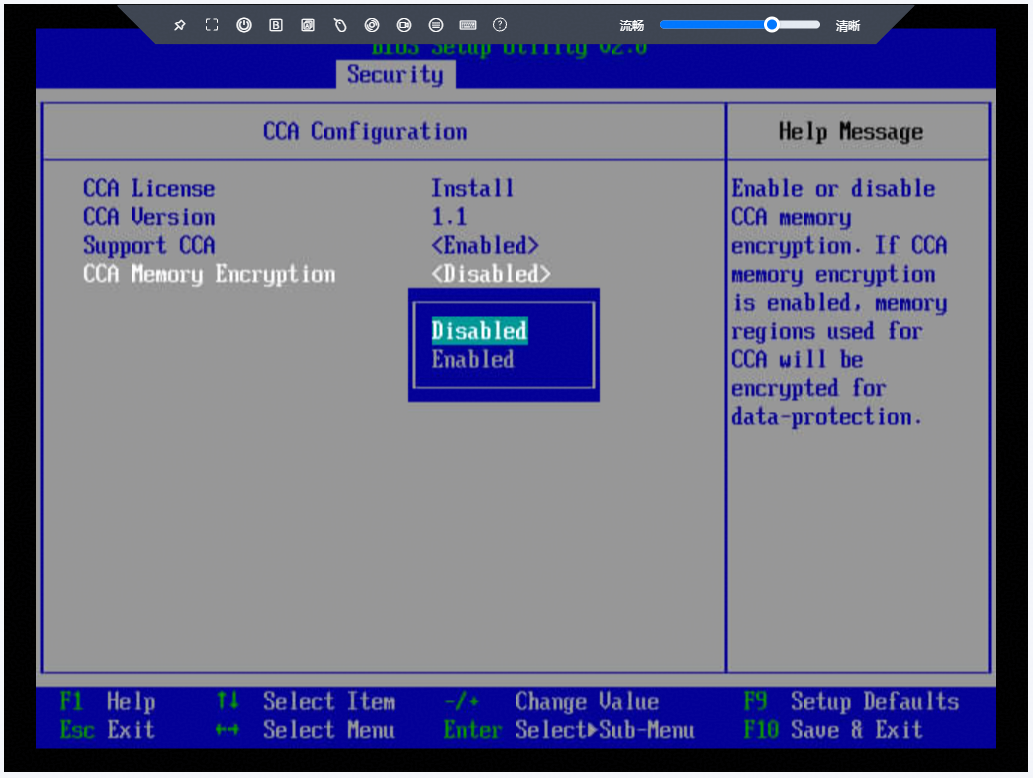
- Ensure that Support CCA is set to Enabled, and then set CCA Memory Encryption to Enabled to enable memory encryption.
Parent topic: Feature Usage