Running InfluxDB Installed Using an RPM Package
- Start InfluxDB.
- Method 1: Start InfluxDB through the system service.
- Start the InfluxDB service.
1systemctl start influxdb.service
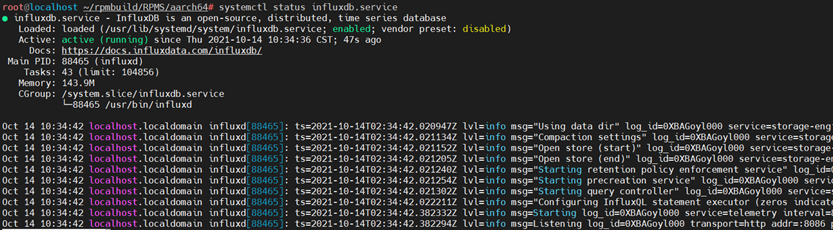
- Check the service status.
1systemctl status influxdb.service
- Optional: Stop the service.
1systemctl stop influxdb.service
- Start the InfluxDB service.
- Method 2: Run a system command.
1nohup influxd &
Or
1influxd

Run the influxd command. The output shows that the data directory is /root/.influxdbv2/.
- Method 1: Start InfluxDB through the system service.
- Check the process.
1ps -ef | grep influx
- Query the port.
1netstat -anpt | grep 8086
Stop InfluxDB.
1
2
ps -ef | grep influx
kill -9 PID
Parent topic: Running InfluxDB