Installing HDF5
Procedure
- Use PuTTY to log in to the server as the root user.
- Create an HDF5 installation directory, for example, /path/to/HDF5.
mkdir -p /path/to/HDF5
- Go to the HDF5 installation directory.
cd /path/to/HDF5
- Obtain the HDF5 installation package.
wget https://support.hdfgroup.org/ftp/HDF5/releases/hdf5-1.10/hdf5-1.10.5/src/hdf5- 1.10.5.tar.gz --no-check-certificate
- Decompress the HDF5 installation package.
tar -zxvf hdf5-1.10.5.tar.gz
- Go to the directory generated after the decompression.
cd hdf5-1.10.5
- Perform the configuration.
./configure --prefix=/path/to/HDF5 --build=aarch64-unknown-linux-gnu --enable-fortran --enable-static=yes --enable-shared CC=gcc CXX=g++ FC=gfortran F77=gfortran CFLAGS=-fPIC

- Perform the compilation and installation.
make -j
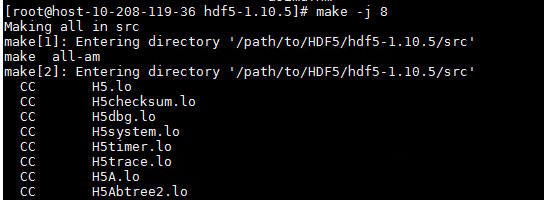
make install

- Verify the installation.
ls /path/to/HDF5/lib
ls /path/to/HDF5/bin
If the following information is displayed, the installation is successful:

- Load the environment variables.
export PATH=/path/to/HDF5/bin:$PATH
export LD_LIBRARY_PATH=/path/to/HDF5/lib:$LD_LIBRARY_PATH
Parent topic: Configuring the Compilation Environment