Upgrading the Firmware
To enable the TEE Kit, you need to upgrade the TEE Kit firmware.
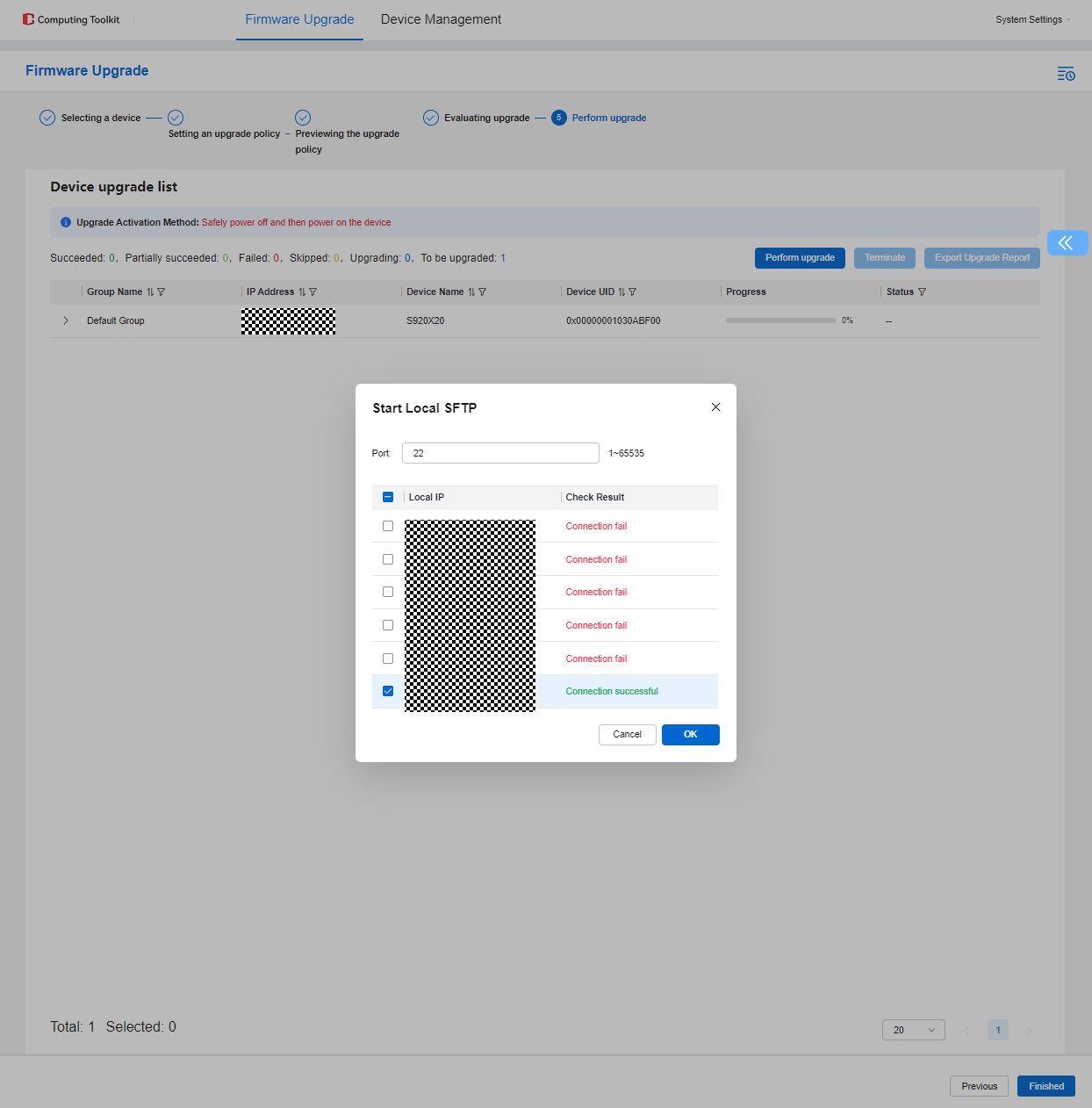
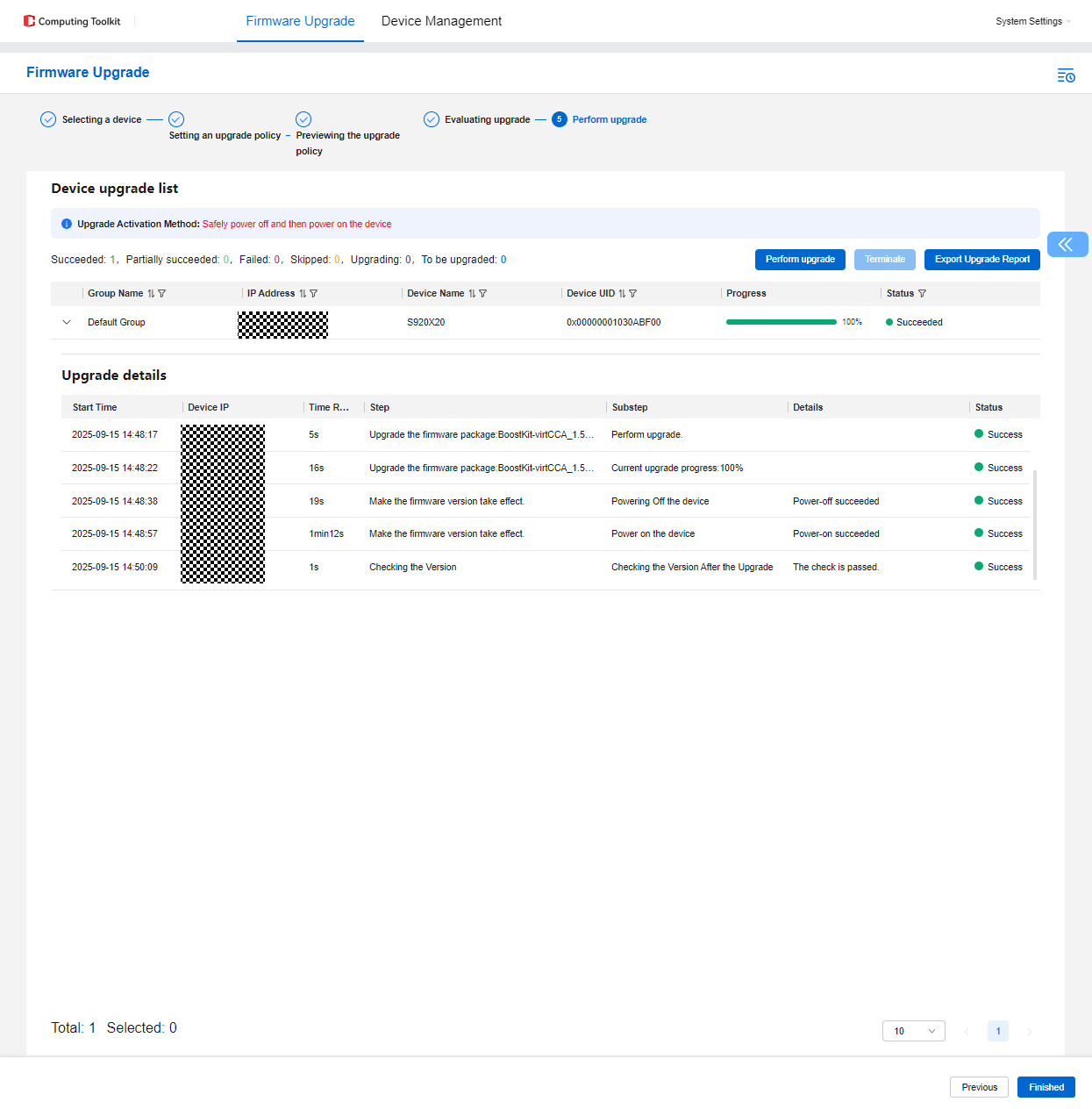
Firmware upgrade supports two methods: manual upgrade via iBMC (for individual servers) and batch upgrade using the Computing ToolKit.
- To upgrade the firmware on a single server, see Using iBMC.
- To upgrade the firmware on multiple servers simultaneously, see Using the Computing ToolKit.
Using iBMC
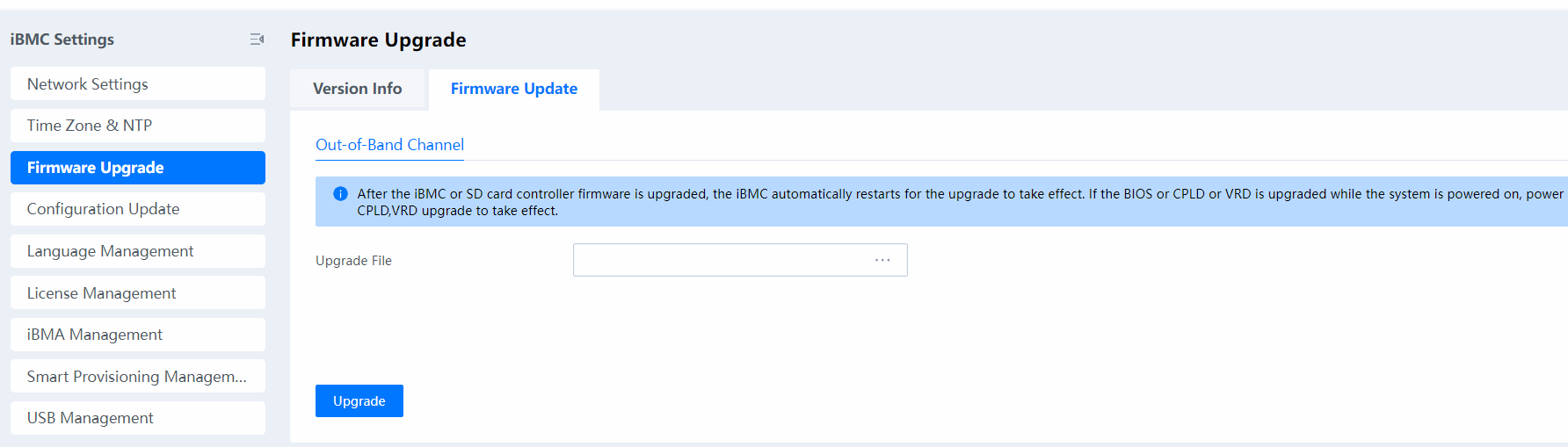
Log in to the iBMC, upload the BMC HPM file obtained from Table 1 to Upgrade File, and start the upgrade.
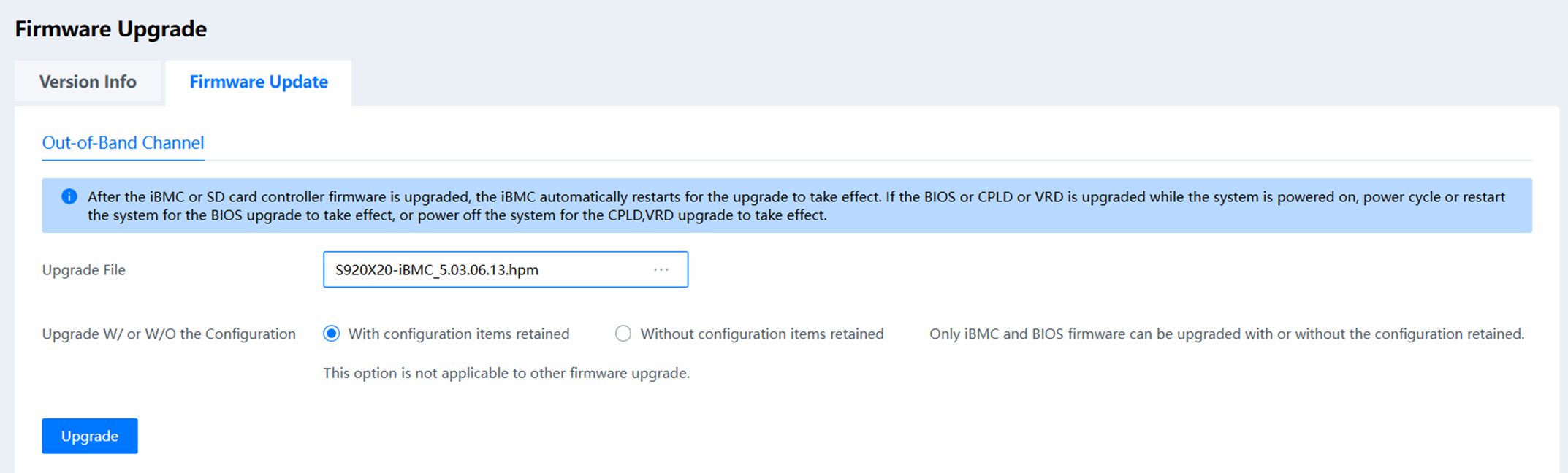

During a BMC upgrade, the BMC network is disconnected for several minutes. After the upgrade is complete, the BMC network goes online again.
Log in to the iBMC, power off the server, upload the BIOS HPM file obtained from Table 1 to Upgrade File, and start the upgrade. After the upgrade is complete, power on the server.
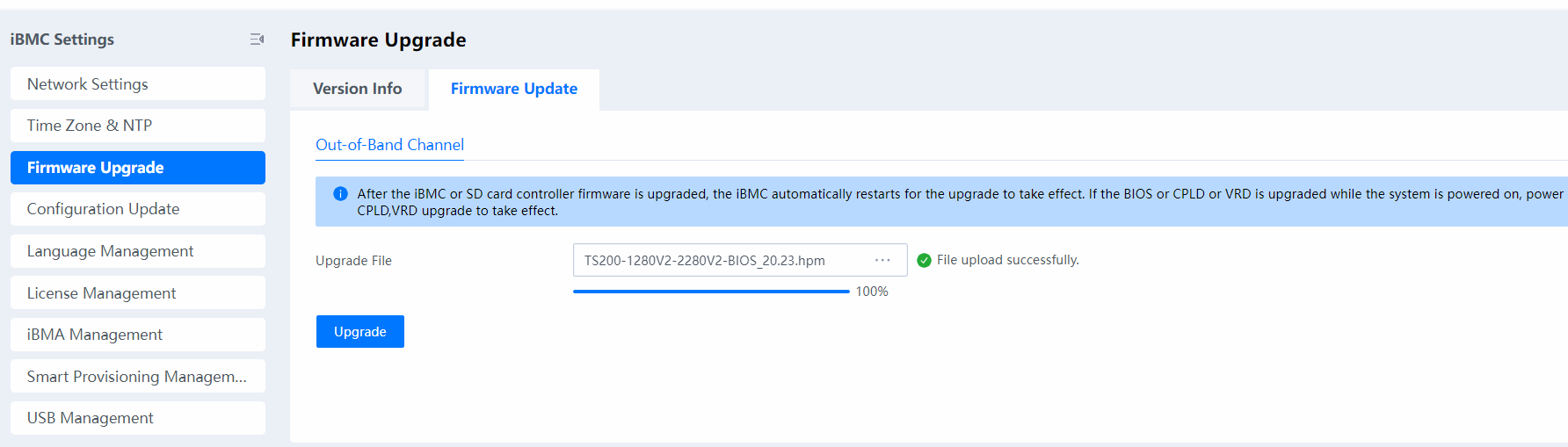
Log in to the iBMC, power off the server, upload tmm_image.hpm obtained from Table 2 to Upgrade File, and start the upgrade. After the upgrade is complete, power on the server.
Using the Computing ToolKit
- Before using the Computing ToolKit to upgrade the firmware, install the Computing ToolKit by following instructions in Installing the Computing ToolKit. After the installation is complete, perform the following steps to upgrade the server firmware. The following steps use the TMM firmware as an example.
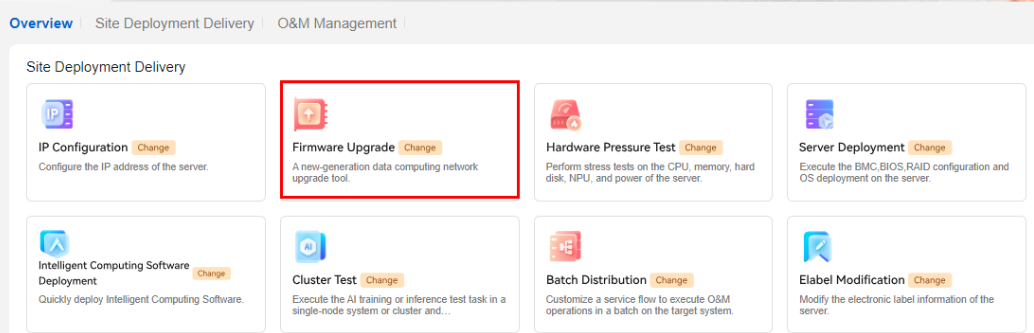
- Click the Firmware Upgrade function module of the Computing ToolKit.
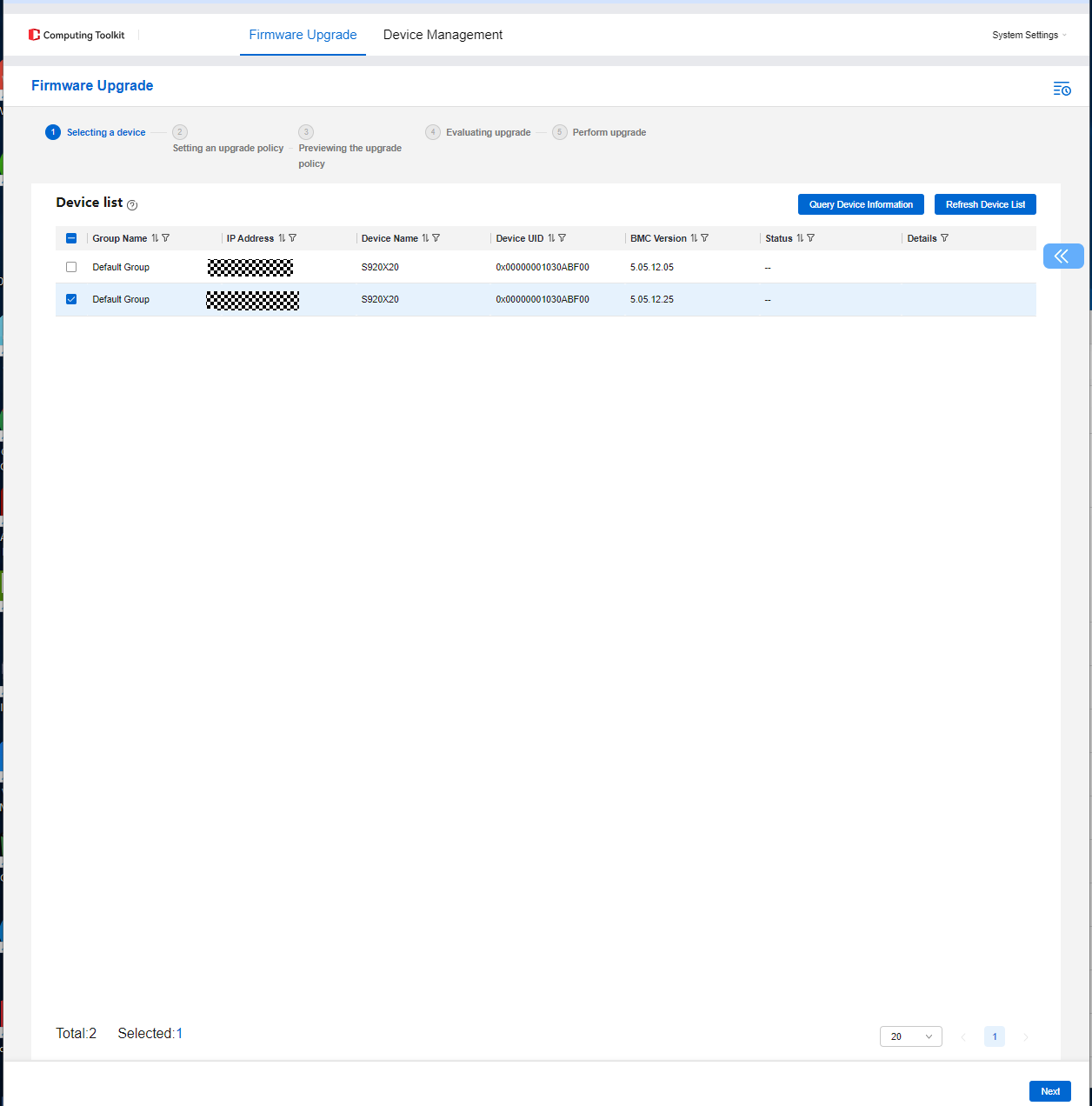
- Select the servers whose firmware needs to be upgraded, and click Next.
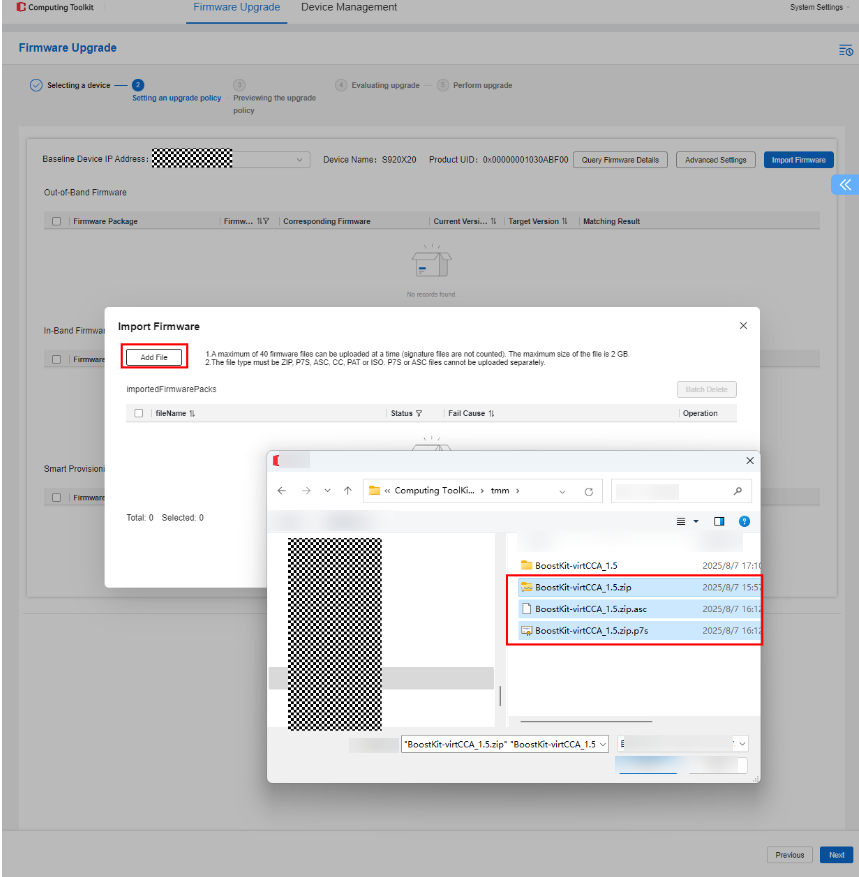
- In the Set Upgrade Policy phase, click Import Firmware.
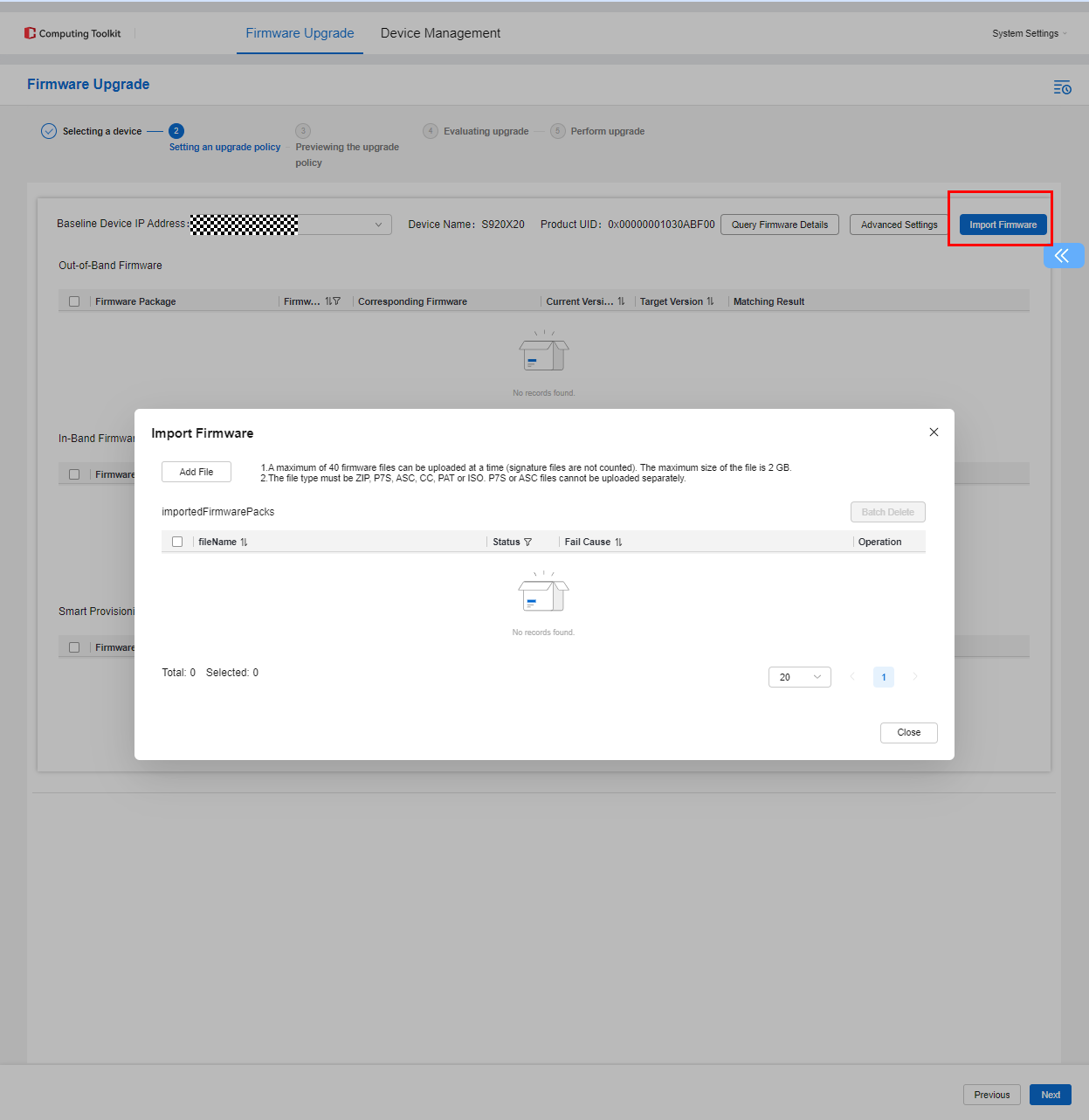
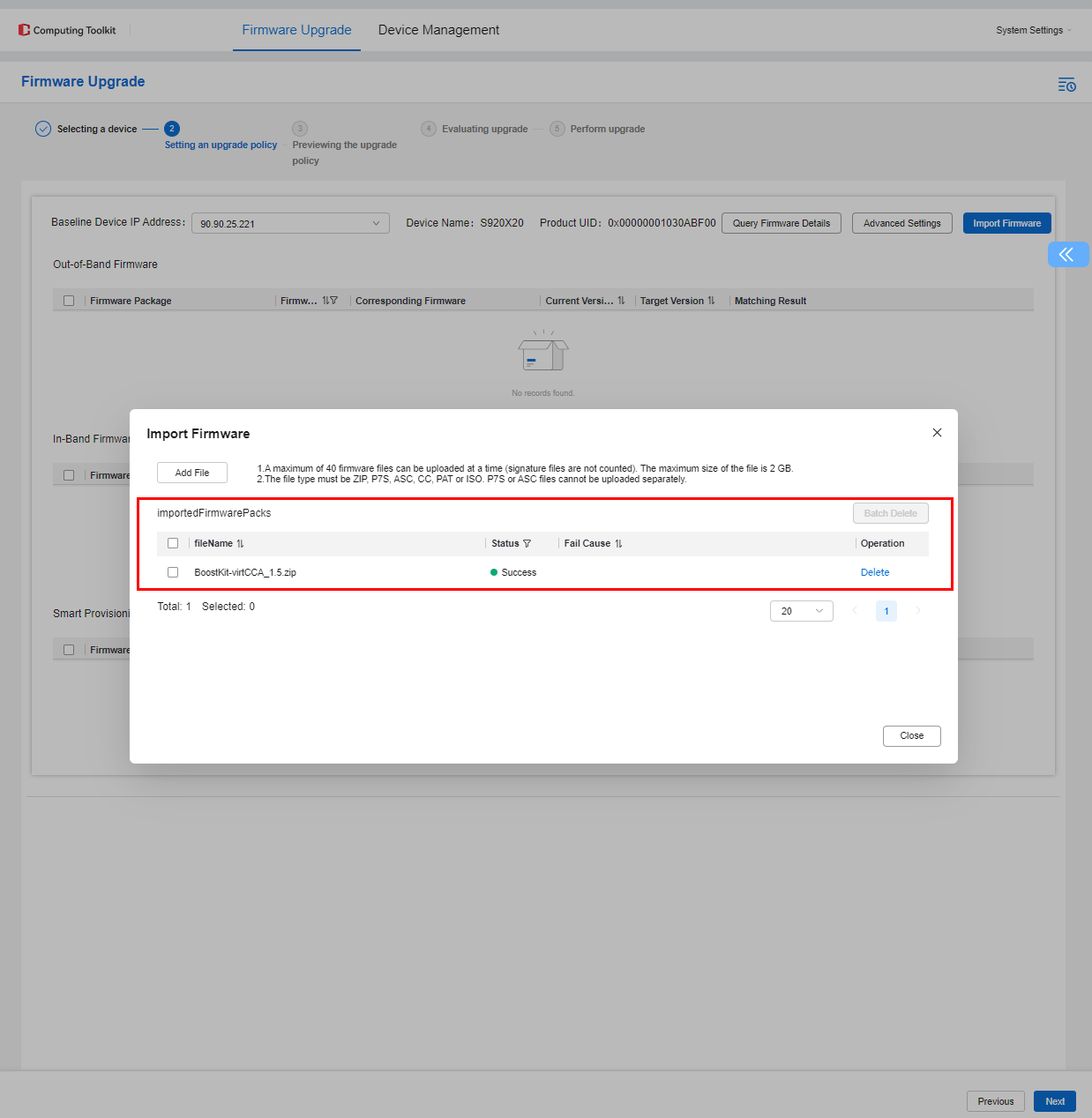
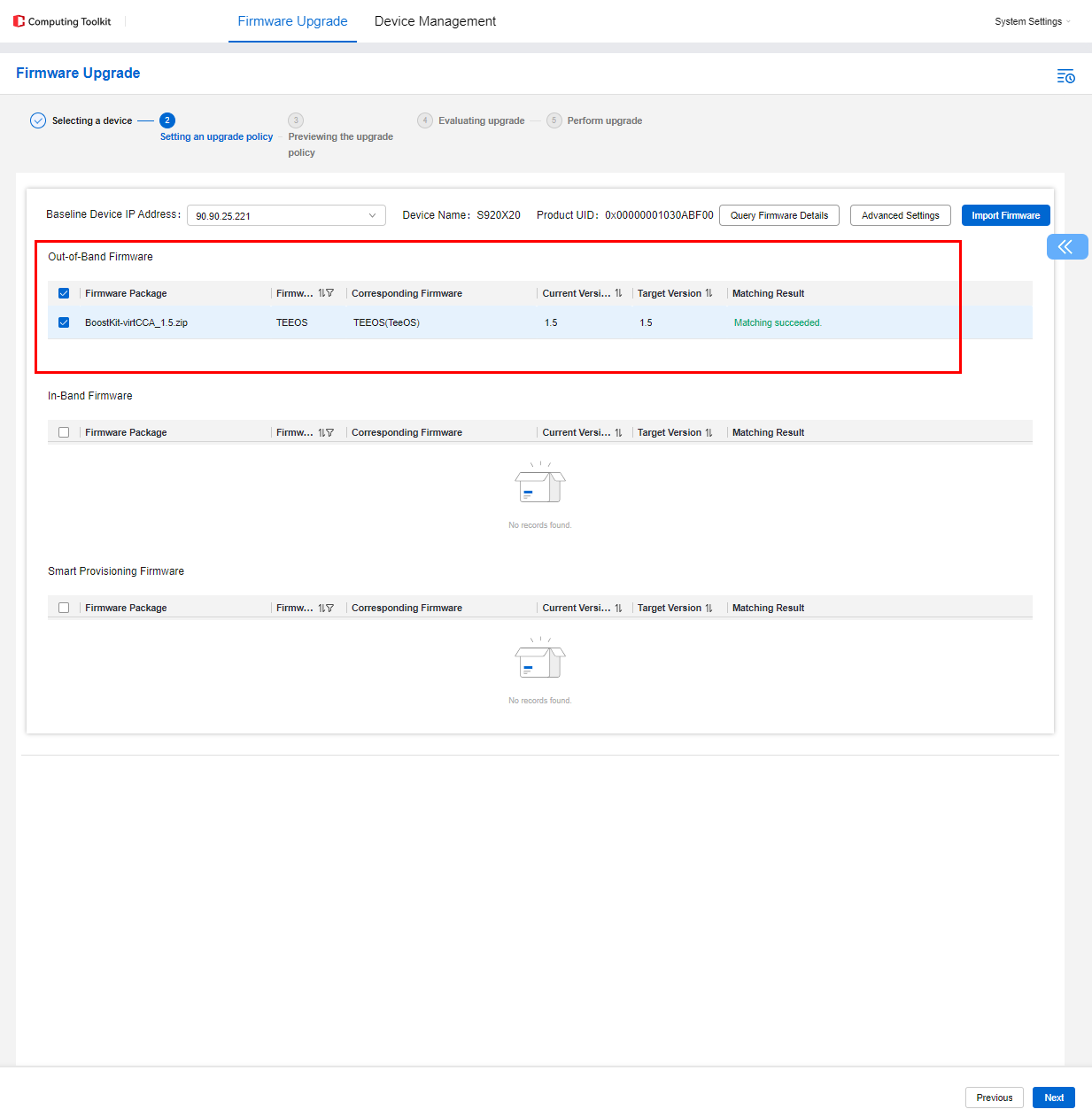
- Click Add File and select the TMM firmware upgrade package and the signature file.
The TMM, TEE OS, and BIOS firmware cannot be upgraded simultaneously. If multiple components require upgrading, perform the upgrades one at a time.
- Click Next and select a packet transfer mode.
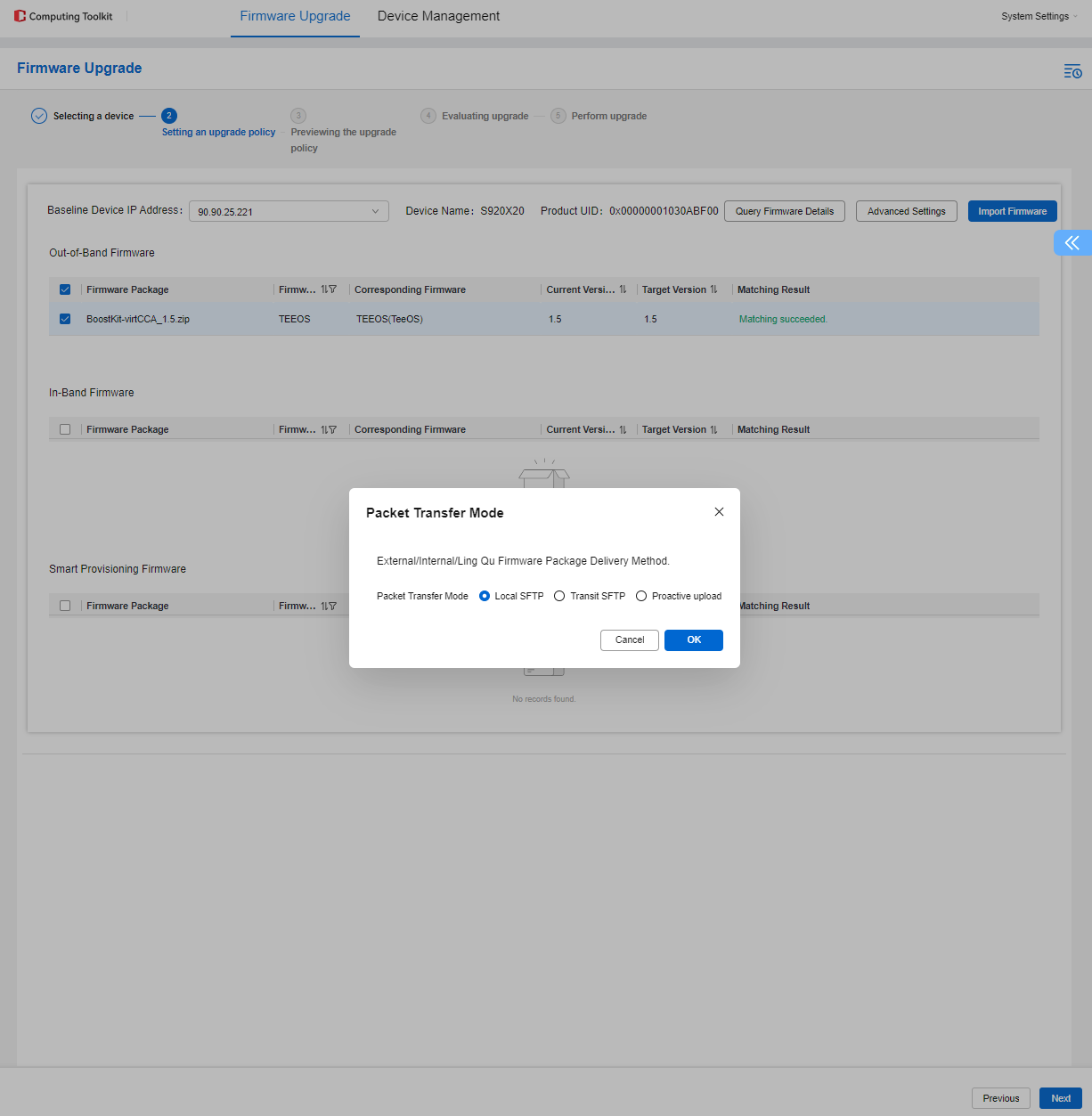
- Select an activation mode and click Next.
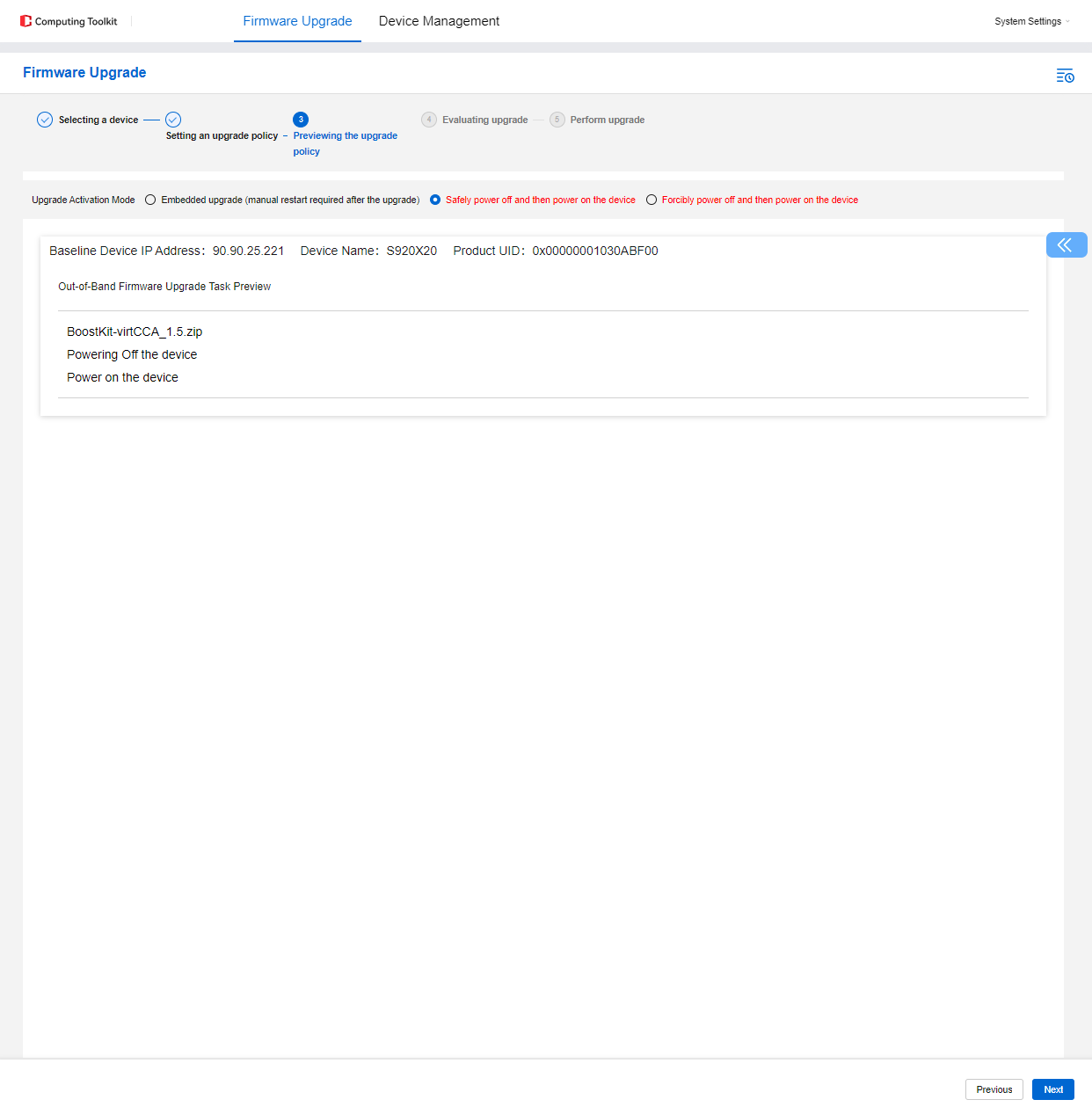
- Click Start Evaluation to complete the device firmware upgrade evaluation.
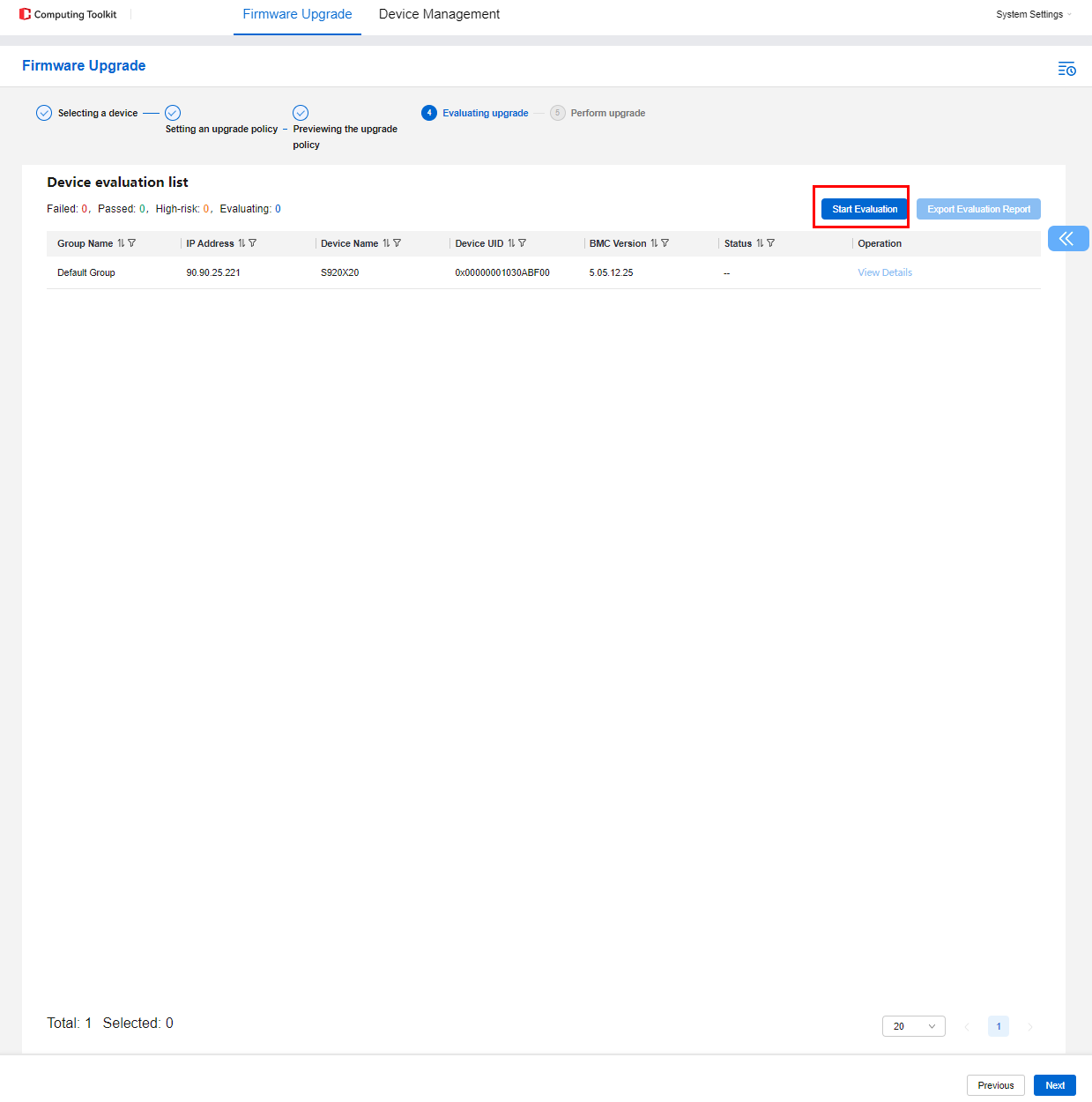
- Click Next to proceed to the Perform upgrade phase. Click Perform upgrade to complete the server firmware upgrade.