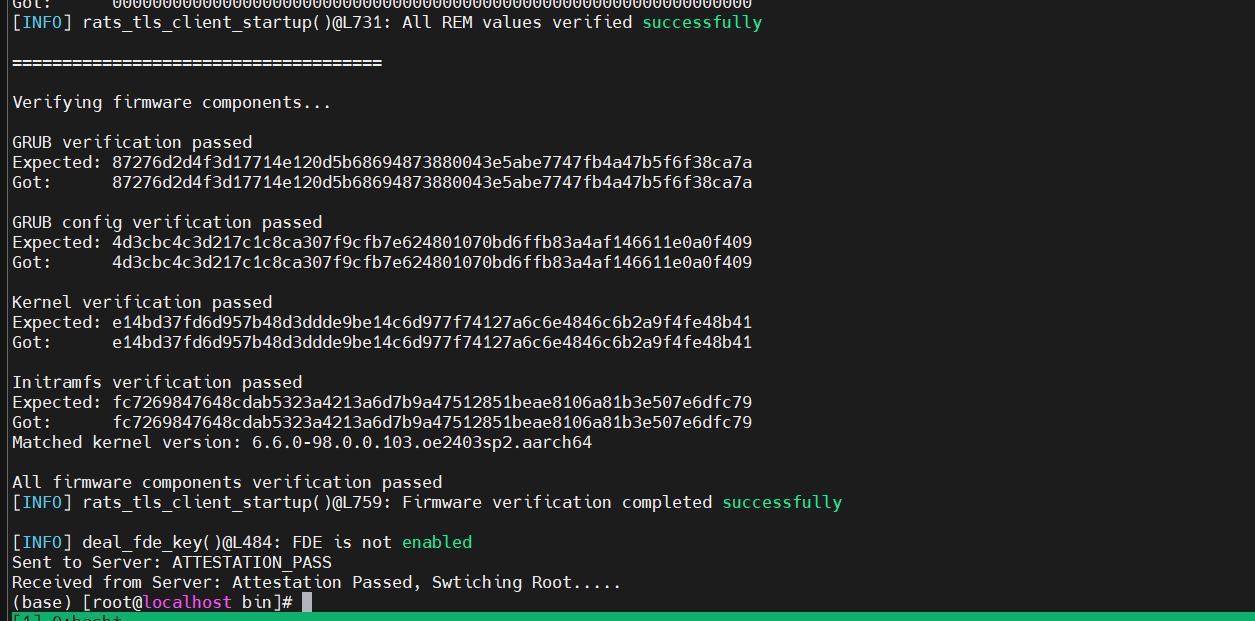
Using a Remote Attestation Demo
This section describes how to use a remote attestation demo.
Remote Attestation Demo
This section provides a remote attestation demo, containing sample reference code for a simplified remote attestation workflow, which is used only to verify the TEE remote attestation function. You can design your own remote attestation process based on this demo. Perform the following steps to compile, install, and run the remote attestation demo.
- Compile the reference code for obtaining and verifying remote attestation reports.
git clone https://gitcode.com/openeuler/virtCCA_sdk.git -b v0.1.51
cd virtCCA_sdk/attestation/samples
cmake -S . -B build
cmake --build build
cd -
After the compilation is successful, the client and server executable files are generated in the virtCCA_sdk/attestation/samples/build directory.
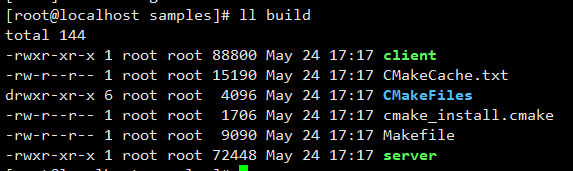

- The server (binary) contains the code for invoking the remote attestation library to obtain remote attestation reports.
- The client (binary) contains the report parsing and verification code, which is for reference only.
The server and client use TCP to transmit data. For security purposes, RATS-TLS is recommended.
- Start the cVM by following instructions in Configuring cVMs. Then deploy the server to any directory of the cVM.
- Start the server in the cVM.
./server -i <ip> -p <port>
In the preceding command:
- Optional: ip: server IP address. It is a local loopback address by default.
- Optional: port: server port. The default value is 7220.

- Initiate a remote attestation request from the client.
./client -i <ip> -p <port> -m <measurement> [-e] -f </path/image_reference_measurement.json> -P </path/software_components.json>
- Optional: ip: IP address of the server to be connected. It is a local loopback address by default.
- Optional: port: port of the server to be connected. The default value is 7220.
- measurement: initial measurement base value of the cVM.
- Optional: -e: prints the ACPI table and event logs of the cVM. (UEFI ONLY)
- image_reference_measurement.json: contains the hash value of each component in the QCOW2 image, which is used to verify the integrity of each component. The JSON file is generated in Creating a QCOW2 Image for a cVM.
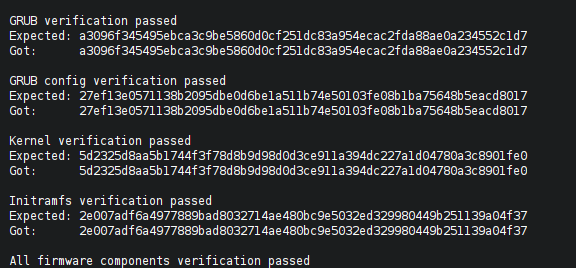
software_components.json: verifies each underlying component involved in the platform_token. This file is contained in the BIOS version package.
Example:
{
    "header": {
        "timestamp": "2025-01-14",
        "copyright": "Copyright (c) Huawei Technologies Co., Ltd. 2025. All rights reserved.",
        "version": "2.0",
        "description": "Platform reference values for CCA token verification"
    },
    "hostBios": [
        {
            "biosVersion": "21.21.0",
            "biosVendor": "Huawei Corp.",
            "pcrs": [
                {
                    "pcrIndex": "0",
                    "description": "BIOS",
                    "sha256": "fa4caa9e3c17efbf3aa9d40a5316dd31cae54cdbee74bb1df666e0ce8d5c82e2"
                },
                {
                    "pcrIndex": "0",
                    "description": "BIOS",
                    "sm3": "6c9bbf28432f525519aadfc1d635e96980e66b1d7aa5b67cbdb0acb6ab014fd2"
                }
            ],
            "measure_value": [
                {
                    "firmware_name": "ipu",
                    "measurement": "1d018904e20291089280073eb1abcbedbff9334f916ba725daa8474d524ee1c0",
                    "firmware_version": "21.21.0",
                    "hash_algorithm": "sha256"
                },
                {
                    "firmware_name": "imu",
                    "measurement": "a7311708162e6336cf765527345953e54fb18d7ee0960ca34465404e21ebf288",
                    "firmware_version": "21.21.0",
                    "hash_algorithm": "sha256"
                },
                {
                    "firmware_name": "imf_ap",
                    "measurement": "4de464130279547206a15ee2f7ecc1357daecf5e24091fc0a08dab28e0c4bf2f",
                    "firmware_version": "21.21.0",
                    "hash_algorithm": "sha256"
                },
                {
                    "firmware_name": "tf_bl2",
                    "measurement": "b32c4018835b6c637f7841526adf2b6f2c5589f38872f11a9acd3a07bb30e96c",
                    "firmware_version": "21.21.0",
                    "hash_algorithm": "sha256"
                },
                {
                    "firmware_name": "uefi",
                    "measurement": "afe614b7be8ad6e0aceb9c0a2d3d2ebfa13bfb0bafd72f8522c3674945b62b17",
                    "firmware_version": "21.21.0",
                    "hash_algorithm": "sha256"
                },
                {
                    "firmware_name": "tee",
                    "measurement": "c96ce76d3a6953ba7fa476bbe6ffef3a5d0881753bf63bc63d19a8ebaa2c8fc2",
                    "firmware_version": "1.27",
                    "hash_algorithm": "sha256"
                }
            ]
        }
    ]
}
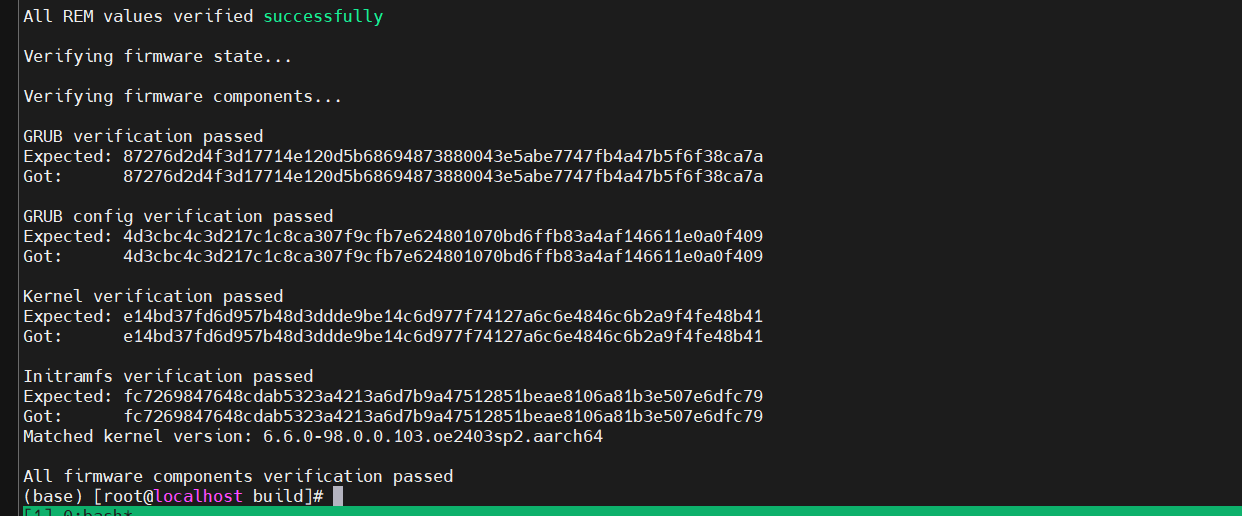
The following figure shows the successful signature verification of the remote attestation report on the client:
RATS-TLS Adaptation Demo
RATS-TLS is a bidirectional Transport Layer Security (TLS) protocol that supports heterogeneous hardware execution environments, providing more secure data transmission. The TEE Kit adapts to RATS-TLS and provides a simple demo for verifying the bidirectional verification function of RATS-TLS. You can develop your own remote attestation application based on the reference demo.
- Install the RATS-TLS compilation dependency.
git clone https://github.com/PJK/libcbor.git
cd libcbor
git reset --hard d30c3a774ccc5cbc79315f44c5d6ae6977ac41d0
cmake -S . -B build
cmake --build build
cmake --install build
cd -
- Prepare the RATS-TLS source code and apply the RATS-TLS patch that supports the TEE Kit based on the specified commit point.
git clone https://github.com/inclavare-containers/rats-tls.git
cd rats-tls
git reset --hard 40f7b78403d75d13b1a372c769b2600f62b02692
git apply ../virtCCA_sdk/attestation/rats-tls/*.patch
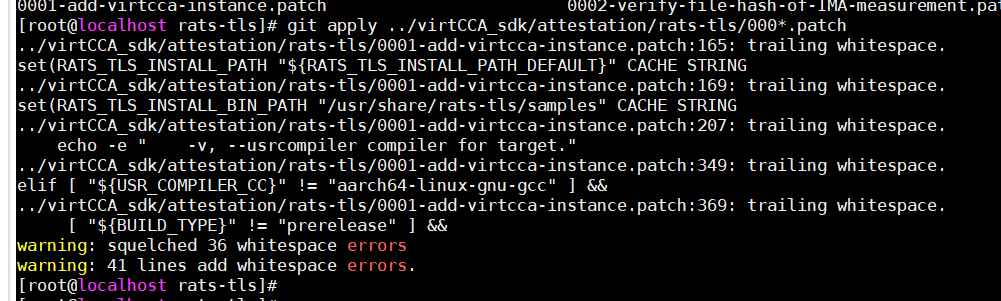
The RATS-TLS source code directory must be at the same level as the virtCCA_sdk source code directory.
- Compile the RATS-TLS sample code and dependency library.
bash build.sh -s -r -c -v gcc
Check whether a software package is generated in the bin directory.

- Deploy the remote attestation server. Copy the compiled rats-tls.tar.gz package to the cVM, decompress the package, and copy it to the system directory.
tar xvf rats-tls.tar.gz
cp -rf lib/rats-tls /usr/lib/
cp -rfL lib/rats-tls/librats_tls.so.0 /lib64/
- Start the RATS-TLS server demo.
./virtcca-server -i <ip>

The optional parameters are the same as those in the original RATS-TLS sample. You can run the following command to view these optional parameters.
./virtcca-server -h
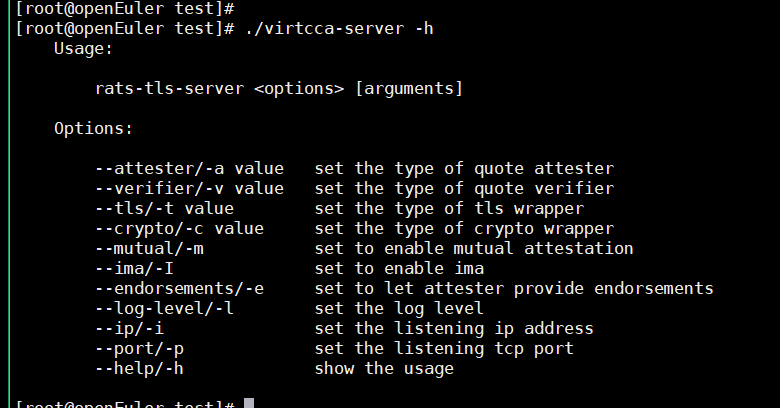
- Deploy the RATS-TLS library on the remote attestation client by following instructions in 4. Then start the RATS-TLS client demo.
./virtcca-client -i <ip> -r <measurement> -f </path/image_reference_measurement.json>
In the preceding command:
- Optional: ip: server IP address. It is a local loopback address by default.
- measurement: measurement base value of cVMs. For details, see Obtaining the Measurement Baseline Value.
- image_reference_measurement.json: a JSON file used to verify the hash value of each component in the QCOW2 image. This file is generated in Creating a QCOW2 Image for a cVM.