Using a Remote Attestation Demo
This section describes how to use a remote attestation demo.
Remote Attestation Demo
This section provides a remote attestation demo, containing sample reference code for a simplified remote attestation workflow, which is used only to verify the TEE remote attestation function. You can design your own remote attestation process based on this demo. Perform the following steps to compile, install, and run the remote attestation demo.
- Compile and install QCBOR.
git clone https://github.com/laurencelundblade/QCBOR.git -b v1.2
cd QCBOR
make
make install
cd ..
- Compile and install t_cose.
git clone https://github.com/laurencelundblade/t_cose.git -b v1.1.2
cd t_cose
cmake -S . -B build -DCRYPTO_PROVIDER=OpenSSL
cmake --build build
cmake --install build
cd ..
- Compile the reference code for obtaining and verifying remote attestation reports.
cd CCA/sdk/attestation/samples
cmake -S . -B build
cmake --build build
cd -
Upon successful compilation, the client and server executable files are generated in the CCA/sdk/attestation/samples/build directory.
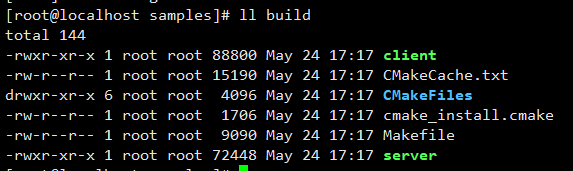

- The server (binary) contains the code for invoking the remote attestation library to obtain remote attestation reports.
- The client (binary) contains the report parsing and verification code, which is for reference only.
- Start the cVM by following instructions in Configuring cVMs. Then deploy the server to any directory of the cVM.
- Start the server in the cVM.
./server -i <ip> -p <port>
Where,
- Optional: ip: server IP address. It is a local loopback address by default.
- Optional: port: server port. The default value is 7220.

- Initiate a remote attestation request from the client.
./client -i <ip> -p <port> -m <measurement> -f </path/image_reference_measurement.json>
- Optional: ip: IP address of the server to be connected. It is a local loopback address by default.
- Optional: port: port of the server to be connected. The default value is 7220.
- measurement: initial measurement base value of the cVM.
- image_reference_measurement.json: contains the hash value of each component in the QCOW2 image, which is used to verify the integrity of each component. The JSON file is generated in 2.
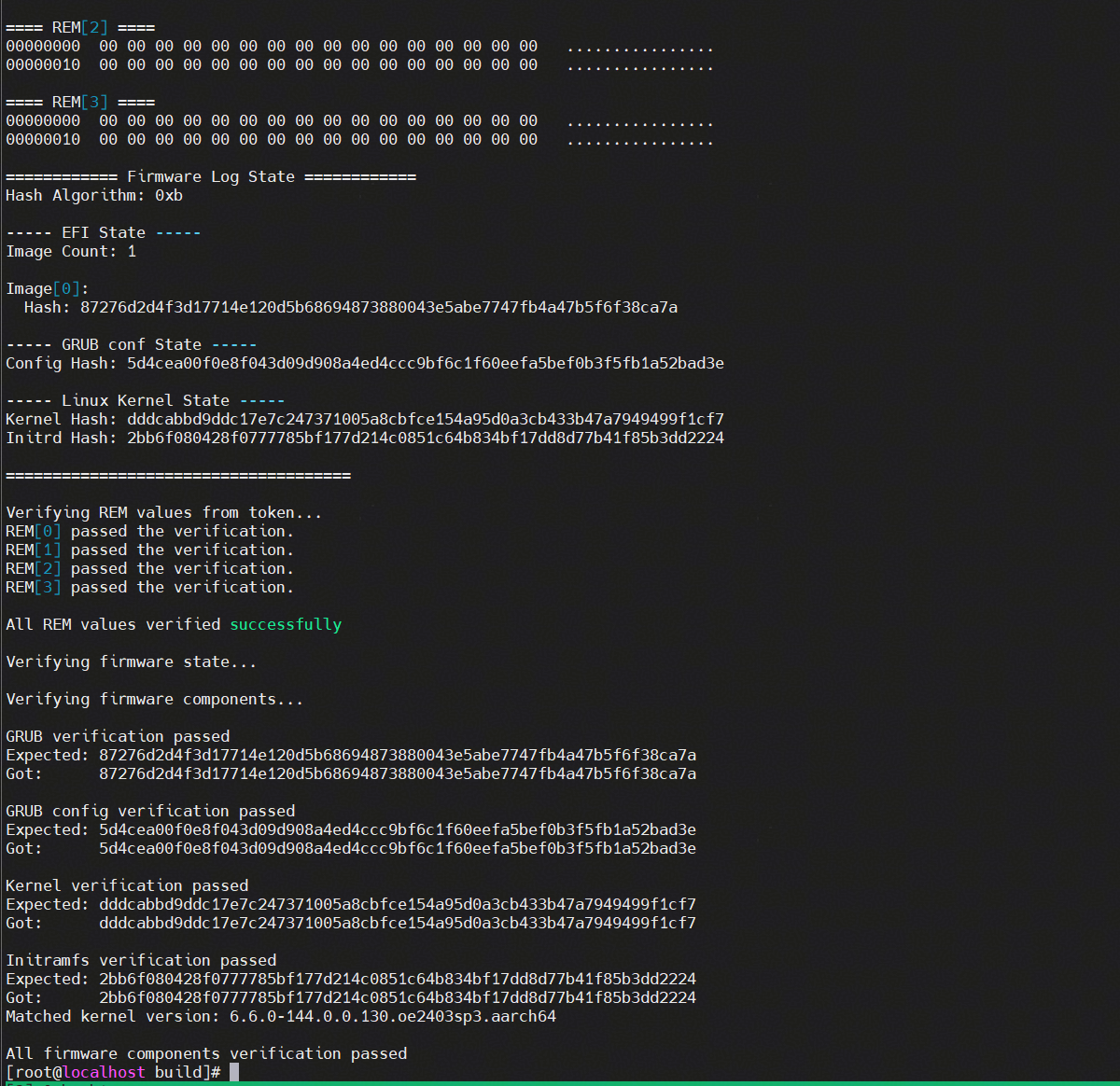
The following figure shows the successful signature verification of the remote attestation report on the client:
The remote attestation demo obtains the remote attestation report from the /sys/kernel/config/tsm/report/report0 directory. Before running the demo, load the drivers and create the directory as described in Obtaining the Remote Attestation Report.